Creative Bloq created a list of 30 photoshop secrets to help improve photoshop. Hey, it never hurts to read and see if there's anything that'll help finish your tasks quicker. Check it out over at Creative Bloq here.
Digital Arts, released a new tutorial on combining real and digital brushes to help improve an illustration. You can view it here. I personally like combining my techniques and it is a good read to see what Adi Gilbert's methods were.
With the help of Photoshop's stamp and brush tools, we reveal how you can convert your photographs into stunning pencil sketches! Read tutorial by Creative Blog here
Digital Arts Online has a tutorial from Rob Shields. Rob takes us through how he composited The Rose, his contribution to the Restoration phase, using a mixture of photographic and painted elements. He also explains how you can achieve more organic portraiture when you’re working digitally. The tutorial covers digital painting techniques and gives some advice on colour and composition, as well as different effects that will help to integrate your physical work into the digital world.
Here's a tutorial on changing the colors of a portrait and giving it a bit of a darker tone. As you can tell from the picture above, it gives the image a bit more dramatic look. I came across this tutorial a couple years ago from FubarGenre and liked it. I figured maybe someone else out there might like this simple tutorial and apply it to their work.
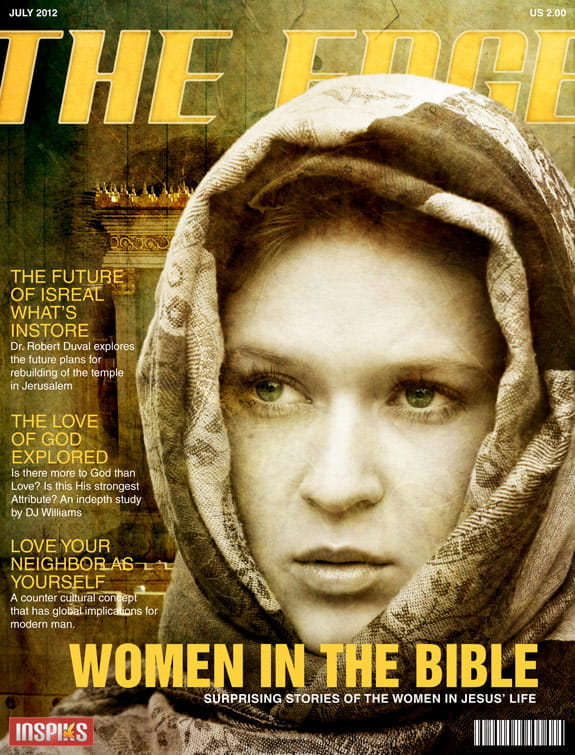
Here's a tutorial on creating a cover from Photoshop and Indesign. It shows from the rough sketch done beforehand(I feel that is underrated nowadays) to exporting the file so it's ready for the printer. Read the rest of the tutorial here
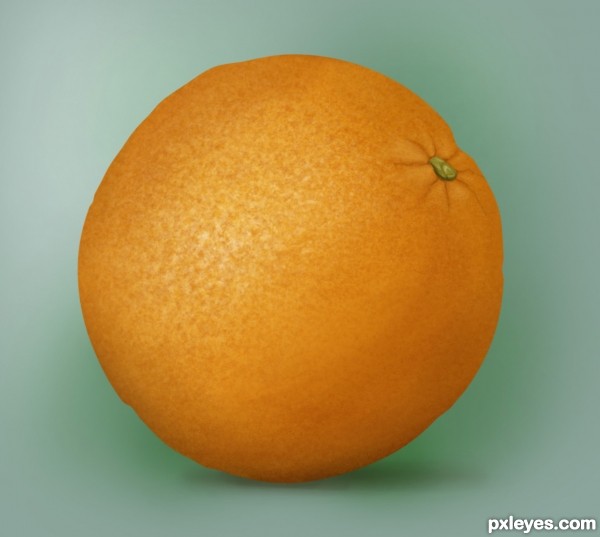
If you want to create an orange from scratch, check out this tutorial. It's a nice step by step tutorial that tells you how to make this orange. It shows the color palette you want to use and how to get the texture. Take a look and see, maybe you can use the techniques for something else.
Check out this tutorial on how to create your own surreal landscape. Learn how to manipulate the photos to make each element believable. The images used are stock images, so you can create as you read each step. The end result is really good.
If you're looking to create an apocalyptic scene for your next project, here's a pretty good tutorial on how to do so. You can view the step by step process at PSD Vault and you can form your own destruction in Photoshop.
I thought this was funny, especially since everyone is a graphic designer and uses photoshop. It's a funny song from rapper CMYKilla. I know the name is great. Enjoy
This blog is to share with future and experienced graphic designers, illustrators, graphic artists tutorials, design elements, personal business stories and other art related topics in the competitive world of Art.