
Today is the last day of 2011 and it's been a wacky year from pop culture to the more and more designs. Tomorrow is the beginning of the end of the world, if you happen to believe that sort of thing. Either way people tend to start resolutions for the new year, that's all fine and dandy, but how many people follow through. Resolutions are kind of a joke, because it's a fantasy. You can start a goal anytime, but once you title it a "resolution" it becomes hard to follow through. Let's just keep it simple and not create a new word for it.
I did have a goal sometime before 2010 that in 2011 I will create "365 days of creativity". Originally I wanted to post it on my blog and then I realized I preferred to keep my personal project personal and only share what I felt like. It was something I want to accomplish on my own and I did enjoy sharing it, but besides it being difficult to post everyday, it was something I wanted to do for myself. I felt like there was some added pressure to share with the world what I've done and I don't know who really wanted to see it. I had fun doing pursuing it and trying to get better, which is great. Having fun achieving your goals is important. I know some goals suck, but you can try.
What was important about my goal or any other goal I have in particular is writing my goal down. Writing down your goals and having it visible is crucial in reminding you to achieve it. About a month ago I picked up a dry erase board to write down my goals, I'm not saying you should get one, but having it on a post it on your fridge or some where visible is important. Chances of you achieving after your goal when you see it everyday will be a lot higher than when you don't.
I hope your new goals in the future go very well for you. Whether you're trying to improve as a designer, businessman, becoming a road scholar, losing weight, whatever it may be, just focus and get on trucking.
-Joe Baron
Saturday, December 31, 2011


A multilayered photoshop surreal portrait

Digital Arts Online has a tutorial from Rob Shields. Rob takes us through how he composited The Rose, his contribution to the Restoration phase, using a mixture of photographic and painted elements. He also explains how you can achieve more organic portraiture when you’re working digitally. The tutorial covers digital painting techniques and gives some advice on colour and composition, as well as different effects that will help to integrate your physical work into the digital world.
Click here to read the tutorial
Friday, December 30, 2011
Just My Type by Luke Lucas

Luke Lucas created this and submitted it for the Go Font Yourself exhibition. View more of his typography designs here http://www.behance.net/Luke_Lucas
Close up:

Thursday, December 29, 2011

Wednesday, December 28, 2011
Dave Tevenal: Tattoo Flash
David Tevenal: Tattoo Flash from Seanie G Productions on Vimeo.
A quick montage giving some insight on how artist David Tevenal does his tattoo flash. This is badass, well at least I think so.
Check out Dave Tevenal's website here: davetattoos.com
Music: Dodge & Fuski - Python
facebook.com/dodgeandfuski
Inspiration: Liam Brazier

Liam Brazier does a very good job of creating illustrations with geometric shapes. His work remind of stained glass windows through the shapes and the vibrant colors. If you wish to see more of Liam Brazier's art then click here to view his portfolio.


Tuesday, December 27, 2011
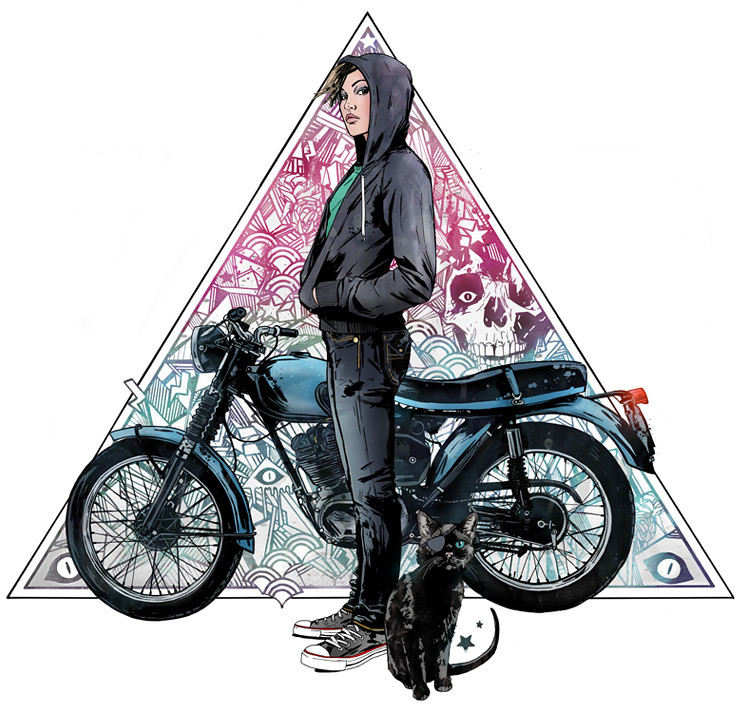
Inspiration: Chris King


15+ Illustrator Tutorials on retro effects & vintage lettering
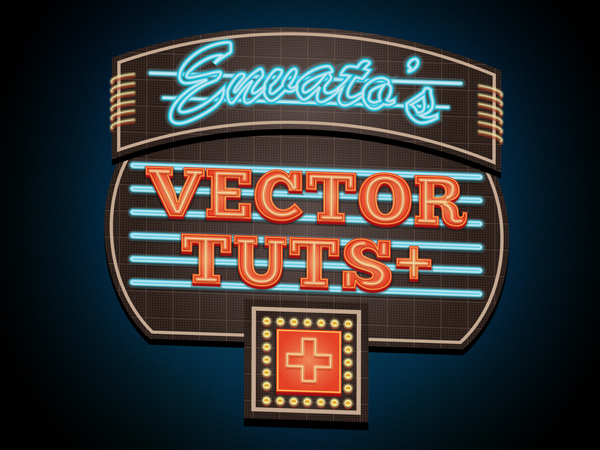
Click here to view
Subscribe to:
Posts (Atom)


